


Two seconds- that is how long a payment takes at any contactless terminal in 2026. Phone to reader, haptic buzz. Done.
Nobody thinks about what happens behind that tap; that is exactly the point. Crypto cards with Apple Pay and Google Pay support made Bitcoin, USDT, and Ethereum fit inside those same two seconds.
The tap did not change. The money behind it did.
How a Crypto Card With Apple Pay and Google Pay Works
A crypto card linked to Apple Pay or Google Pay functions exactly like a regular bank card in your mobile wallet.
The wallet stores a tokenized version of the card, a secure digital representation, not the actual card number. Apple Pay and Google Pay never share your real card details with the merchant.
When you tap to pay, the wallet sends a one-time encrypted token to the terminal. The card issuer receives the payment request, checks your crypto balance, converts the relevant asset to fiat at the point of sale, and approves or declines the transaction.
The merchant sees a standard card payment. Nothing in that interaction signals crypto.
This is different from using Apple Pay to buy crypto. In that flow, the mobile wallet is just a funding method.
With a crypto card, the mobile wallet is the primary spending tool, and everything about the card’s usefulness depends on how well that integration works in practice.
Read Also: Top Crypto Technical Analysis Bots.
How to Add a Crypto Card to Apple Pay and Google Pay
Use the in-app Add to Wallet option inside your card provider’s app wherever available.
This is the most reliable method; it eliminates manual data entry and reduces verification errors.
General process for most cards:
For virtual cards, start the setup directly from the issuer’s app; no activation wait required in most cases.
For physical cards, activate the card first through the issuer’s app before attempting to add it to your wallet.
Use the in-app “Add to Wallet” button where available.
If that option is absent, enter the card number, expiry, and CVV manually in your wallet app.
Complete any identity or fraud-prevention checks the issuer requires during wallet setup.
If your card is reissued or replaced, you may need to add it to your wallet again. Some wallets update card information automatically; this depends on the issuer and the card network’s tokenization system.
Top 10 Crypto Cards With Apple Pay and Google Pay Support
1. UPay Card
Source: Upay.best
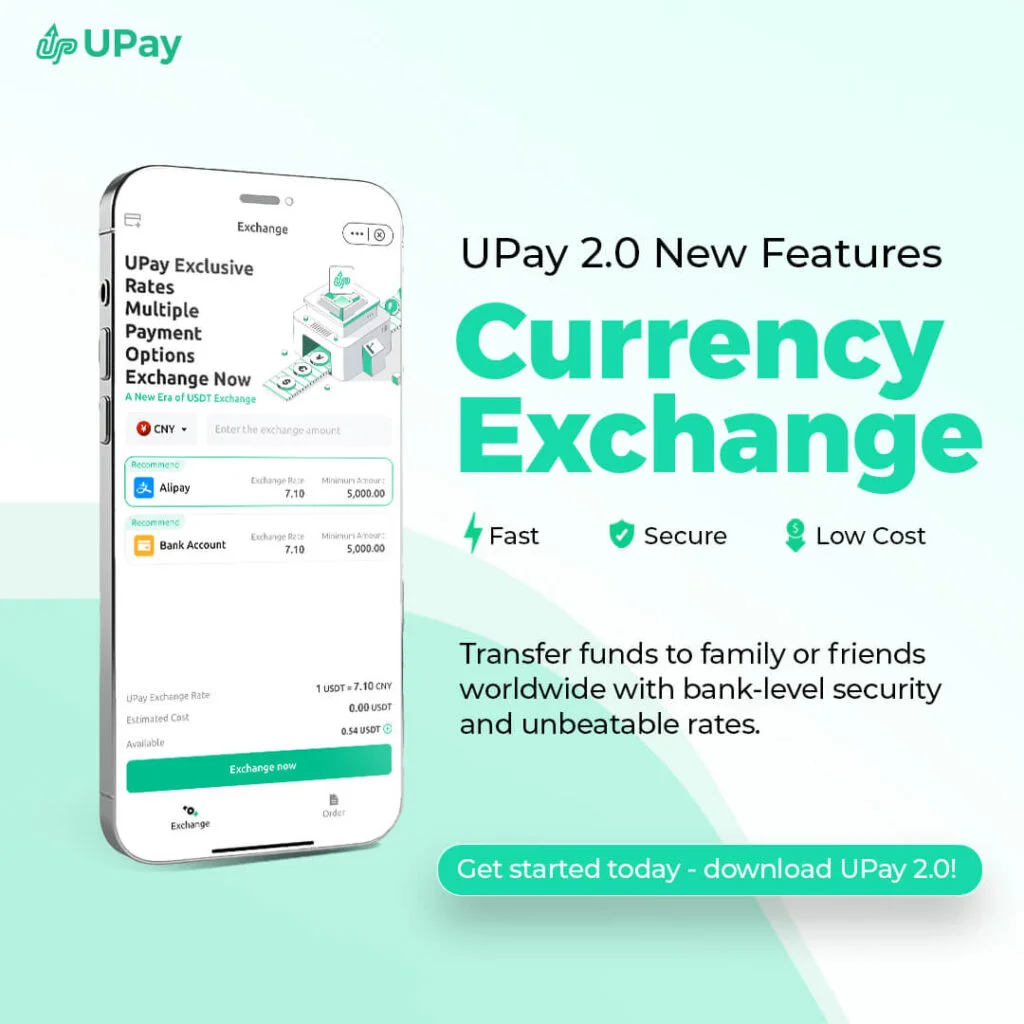
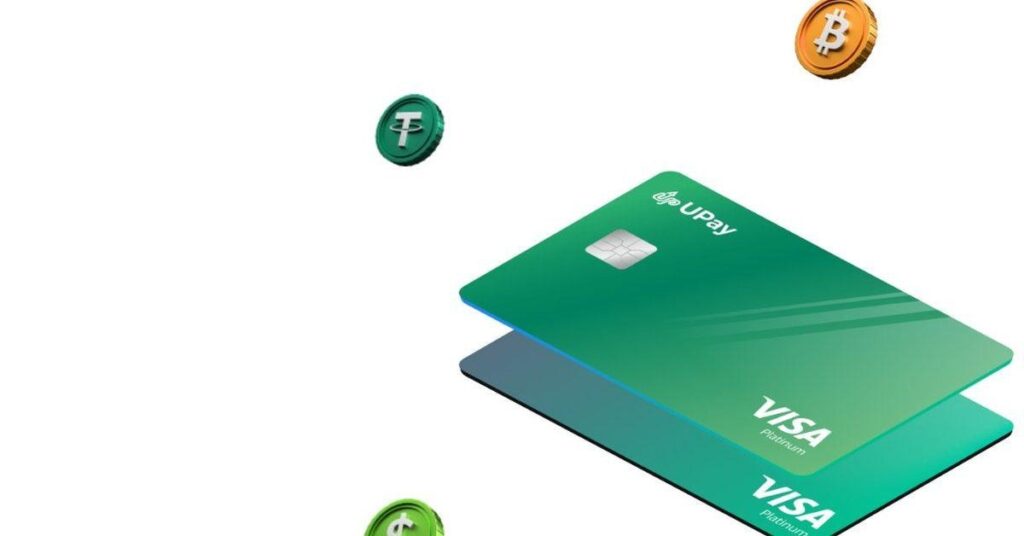
UPay is one of the most versatile crypto cards available today and the strongest pick for users who want global reach without giving up their crypto holdings.
The card, issued through Visa and Mastercard, is offered in both virtual and physical versions.
It links directly to Apple Pay, Google Pay, Samsung Pay, and Alipay, giving it one of the broadest contactless payment footprints on this list.
The Upay card supports 50+ assets and is accepted at over 55 million merchants across 180+ countries.
Users also get to enjoy features like real-time crypto-to-fiat conversion at the moment of payment with no pre-loading in a separate currency required, zero cross-border fees, and no annual fees.
Read Also: Coin Ticker: The Three Letters That Speak for a Whole Crypto Project.
2. Crypto.com Visa Card
Source: Pinterest.com
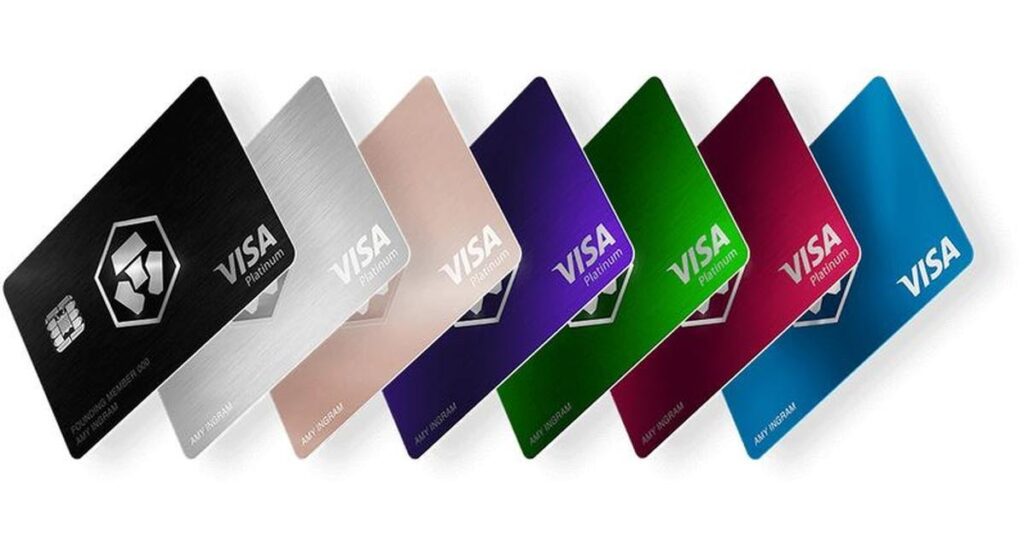
Crypto.com’s Visa card ranks among the most recognized crypto spending cards on the market, and with good reason.
It supports Apple Pay and Google Pay, provides an instant virtual card, and gives users access to more than 90 million merchants worldwide.
The card charges no annual or foreign transaction fees, though it functions as a prepaid card rather than a credit card.
To enjoy premium benefits, users may need to stake (lock up) a specified amount of the platform’s native token, CRO.
Depending on the card tier, users can earn up to 5% cashback in CRO rewards.
The card also supports daily purchases of up to $25,000 and includes Spotify and Netflix rebates for eligible higher-tier members.
For casual spenders, the base-tier card (midnight blue) is still a solid entry point.
3. Coinbase Card
Source: Pinterest.com
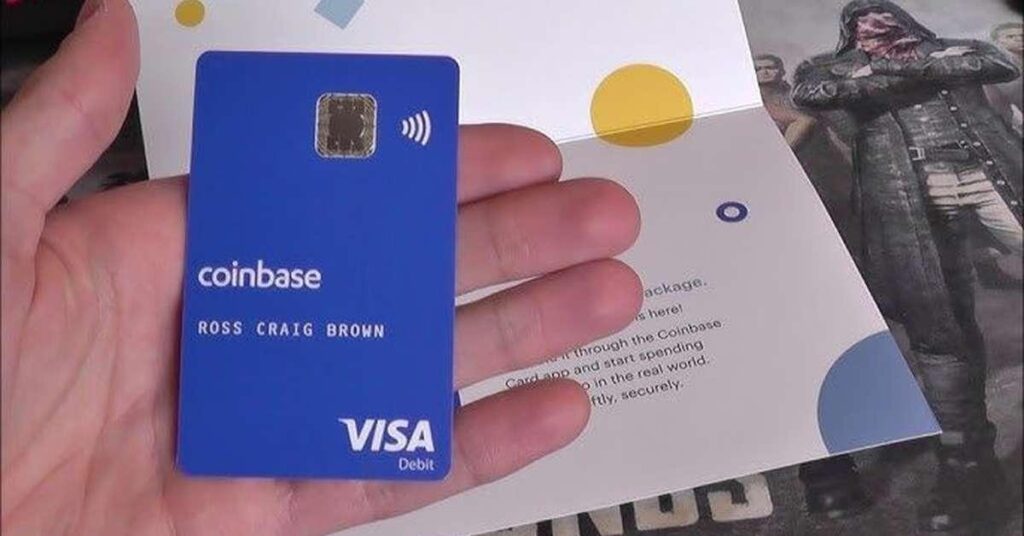
The Coinbase Card is a Visa debit card that draws directly from your Coinbase balance and converts crypto to fiat at the point of purchase. It supports Apple Pay and Google Pay, multiple crypto assets, and is accepted at over 40 million merchants globally.
The Coinbase card offers up to 4% back on select assets for Coinbase One members and carries no annual fee.
However, for standard users, rewards fall between 1% and 2%, depending on the chosen crypto asset.
The main limitation is geographic, as the best version of the card that supports mobile wallets is only available to U.S. users, with a separate (fee-bearing) version for European residents.
In addition, the 2.49% crypto liquidation fee can offset rewards if you are not spending USDC.
Coinbase has also launched the Coinbase One Card, an American Express credit card for Coinbase One members that earns 2–4% bitcoin back on purchases.
Read Also: Crypto Scalping vs Swing Trading: Which One Actually Fits Your Life?
4. Bybit Card
Source: Pinterest.com
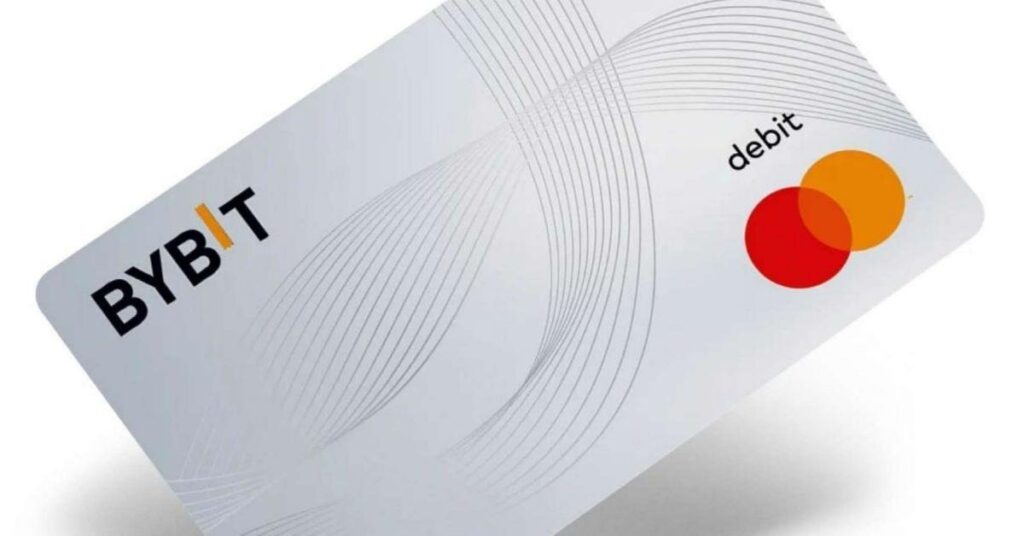
Bybit’s Mastercard is one of the better options for users who want real cashback without a lot of hassle.
It supports Apple Pay and Google Pay and offers between 2% and 10% cashback in reward points.
The card supports eight cryptocurrencies, including BTC, ETH, XRP, USDT, and USDC, and allows you to combine multiple currencies in a single transaction, a genuinely useful feature for users holding different assets.
The card requires no annual or issuance fee for the virtual version, and you can also earn 8% APR on idle balances via its auto-earn feature.
Geographical coverage is its only limitation, as it does not operate in the U.S. and some other major markets. However, if you are in Europe and already trade on Bybit, this card is an easy addition.
5. Nexo Card
Source: Pinterest.com
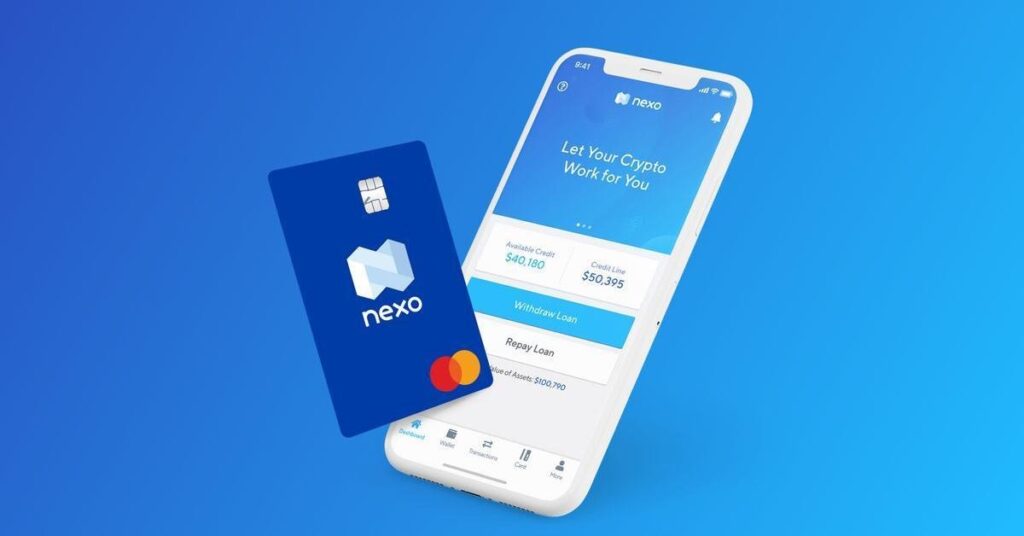
The Nexo Card operates on a dual-mode model that sets it apart from most cards on this list.
You can switch between debit mode and a crypto-backed credit mode within the same Mastercard, which means you can spend without selling your holdings if you choose.
It supports Apple Pay and Google Pay, earns up to 2% cashback in NEXO tokens or 0.5% in BTC depending on your loyalty tier, and has no monthly or annual fee.
However, cashback requires credit mode and a portfolio above $5,000, and foreign exchange fees apply to cross-currency spending and increase on weekends.
Read Also: What Does 5x Mean in Crypto?
6. Wirex Card
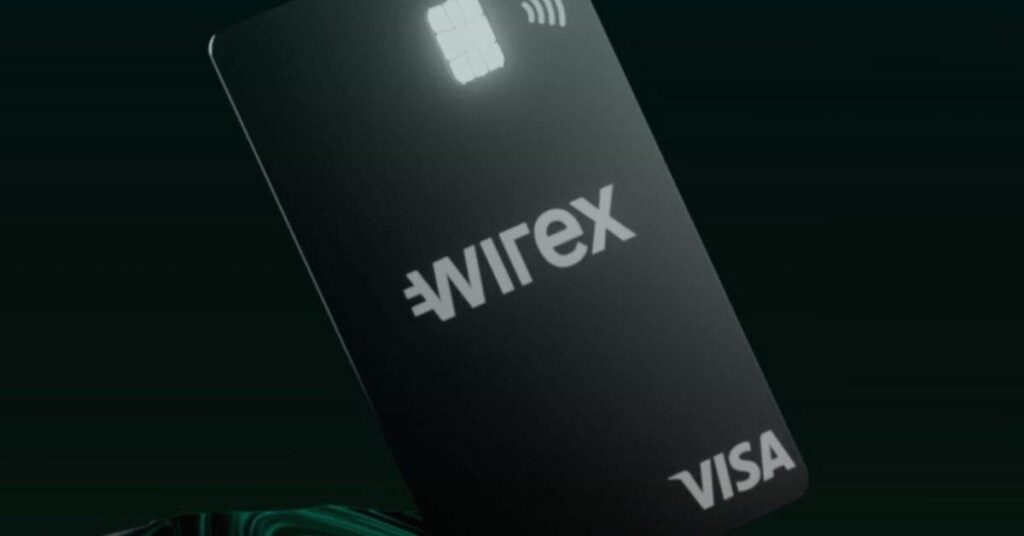
Source: wirexapp.com
Wirex is one of the older players in the crypto card space and still holds up well for users who want wide currency coverage and low fees.
The card supports over 100 cryptocurrencies, has no issuance or annual fee, and offers up to 8% cashback in Wirex Token (WXT) for eligible members.
It works with Apple Pay and Google Pay and is accepted wherever Visa or Mastercard is supported globally. Free ATM withdrawals go up to $200 per month, with a 2% fee above that.
For frequent travelers especially, Wirex is worth a look, as there are no foreign transaction fees, and broad currency support means fewer surprises when spending abroad.
7. MetaMask Card

Source: Pinterest.com
The MetaMask Card is a crypto debit card that lets you spend directly from your self-custody wallet anywhere Mastercard is accepted, which is over 150 million merchants worldwide.
It supports nine tokens, including USDC, USDT, wETH, and stablecoins like EURe and GBPe, works with Apple Pay and Google Pay, and connects via Linea, Base, and Solana.
The free virtual card earns 1% cashback, while the $199/year metal card gets you 3% cashback and zero foreign transaction fees, with daily spend limits up to $30,000.
Security is non-custodial; you hold your funds until the moment you pay and can freeze the card instantly in-app.
It’s best for crypto holders who want to spend without converting through exchanges first.
8. Oobit Card
Source: oobit.com
The Oobit crypto card works smoothly with both Apple Pay and Google Pay; just add it to your wallet and tap to pay anywhere Visa is accepted, across 150 million+ merchants worldwide.
It supports USDT, Bitcoin, Ethereum, and other stablecoins, converting them to local currency instantly at checkout. There are no annual fees, and users can earn up to 10% cashback on eligible tokens.
Security is handled through advanced end-to-end encryption, and the card connects directly to self-custody wallets like MetaMask or Trust Wallet with no preloading needed.
It’s ideal for crypto holders who want real-world spending power without leaving the ecosystem.
9. RedotPay Card
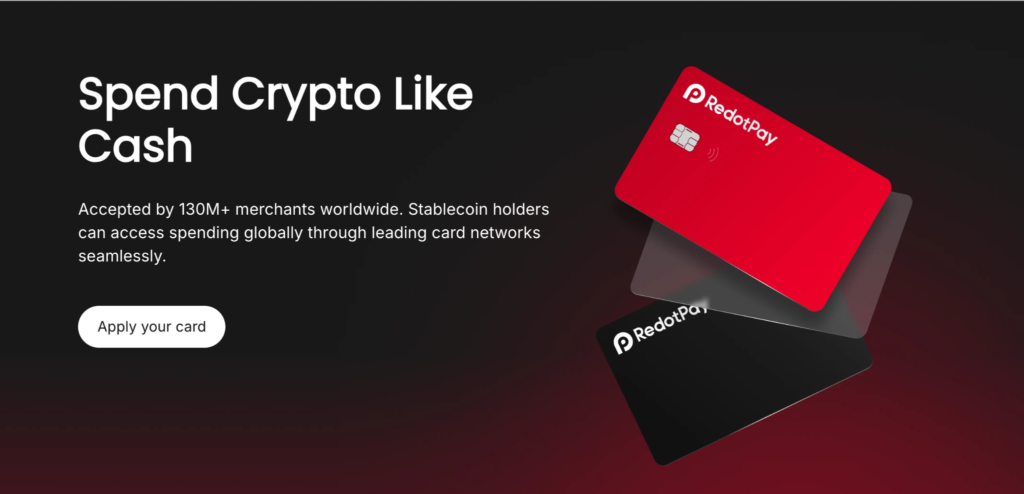
Source: redotpay.com
RedotPay supports both Apple Pay and Google Pay, allowing users to spend crypto smoothly through contactless payments wherever the services are available.
Its Visa-backed virtual and physical cards can be linked to mobile wallets, enabling payments at over 130 million merchants worldwide.
RedotPay supports major cryptocurrencies, including BTC, ETH, USDT, USDC, SOL, BNB, XRP, and more, with automatic crypto-to-fiat conversion at checkout.
Fees are relatively low, with a 1% crypto conversion fee and a 1.2% FX fee, while transaction limits can reach up to $100,000 per purchase.
Security features include KYC verification, payment controls, and fraud-protection settings.
Some card tiers also offer cashback and rewards, making RedotPay a strong option for crypto users, travelers, freelancers, and everyday spenders seeking convenient crypto payments.
10. Bitget Wallet Card
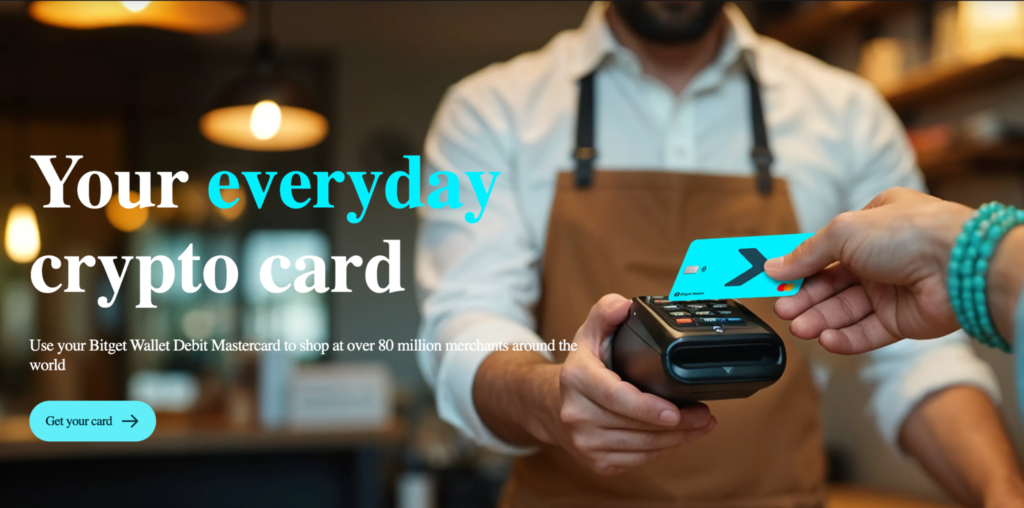
Source: web3.bitget.com
Bitget Wallet Card supports both Apple Pay and Google Pay, allowing users to spend crypto through contactless payments at over 80 million Mastercard-accepting merchants worldwide.
The card offers zero annual fees, no top-up fees, and no exchange-rate markups, with monthly fee-free spending allowances in eligible regions.
It supports major cryptocurrencies such as USDT and USDC, which are automatically converted for purchases.
Security features include Mastercard-backed payment infrastructure, identity verification, OTP authentication, and mobile wallet tokenization.
Spending limits vary by region and card issuer. While cashback promotions may be available in certain markets, rewards are not guaranteed globally.
The card is best suited for crypto users who want a simple way to use digital assets for everyday spending through Apple Pay or Google Pay.
Why Crypto Card Payments Decline on Apple Pay or Google Pay
A card showing as active in your wallet does not guarantee every payment will go through.
These are the common causes:
1. Insufficient fiat balance: Most crypto cards require a fiat or stablecoin balance before purchase.
Holding only volatile assets like Bitcoin or Ethereum at checkout may result in a decline if conversion cannot happen in time.
2. Unsupported merchant categories: Many providers restrict transactions at financial services merchants, crypto exchanges, money transfer services, and gambling platforms for regulatory compliance reasons.
3. Regional restrictions: Some cards only operate within approved regions. Using a card outside its supported territory may cause automatic declines regardless of balance.
4. Security and fraud flags: Card networks and crypto platforms may block transactions that appear unusual, exceed spending limits, or fail 3D Secure authentication.
5. Virtual card billing mismatches: Ensure the billing ZIP code and address in your Apple Wallet or Google Wallet match the details registered with your card issuer. Mismatches routinely trigger payment blocks.
How to resolve a decline: Check your available fiat balance. Review your spending limits in the app.
Confirm the card is fully activated. Remove the card from your wallet and re-add it. If the issue persists, check your app’s notification center; most issuers send a specific decline reason.
Read Also: Quick tips to converting crypto to cash.
Conclusion
That 2-second tap has not changed since Apple Pay launched. The terminal looks the same. The sound is the same. The receipt is the same.
The only thing different in 2026 is that behind the tap, for a growing number of people, there is no bank involved.
There is USDT, or Bitcoin, or ETH converted in real time, accepted everywhere, indistinguishable from any other card payment.
Crypto cards with Apple Pay and Google Pay support closed a gap that used to require three extra steps, a wire transfer, and a two-day wait.
Now it requires a phone and a functional card. Pick the one that fits your region, your assets, and your actual spending habits, and the tap handles the rest.