



The UPay Card provides a convenient way to make online payments on supported platforms that accept international card payments.
Whether you’re subscribing to an AI service or purchasing usage credits, you can use your UPay Card to complete eligible transactions securely.
In this guide, you’ll learn how to use UPay Card for AI tokens, how the payment process works, where you may be able to use your card, and practical tips to help ensure successful payments.
What Are AI Tokens?
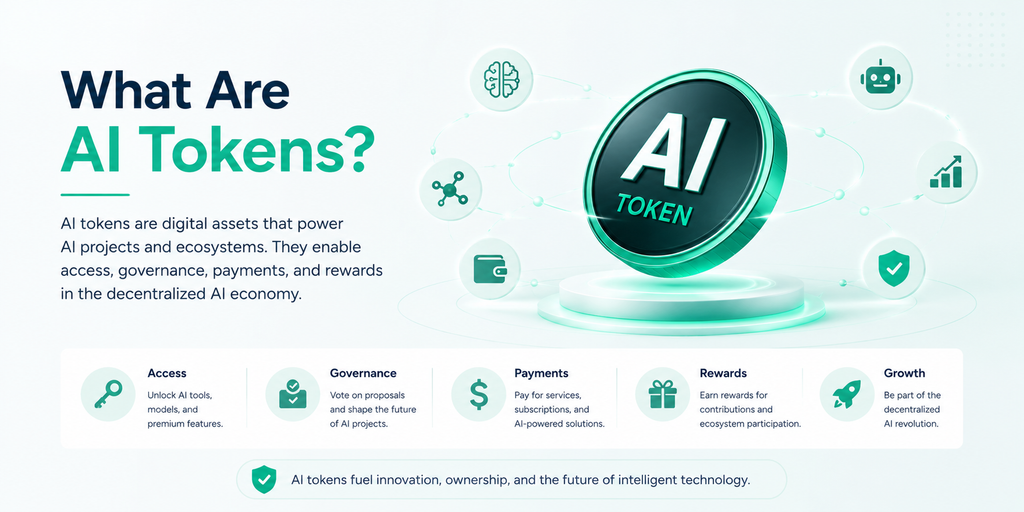
AI tokens are units that many artificial intelligence platforms use to measure and bill your usage. Instead of paying only a fixed monthly subscription, some AI services charge based on the number of tokens your requests consume.
When you generate text, create images, translate content, or make API calls, the AI platform counts the tokens used to process your request. Generally, longer or more complex prompts consume more tokens than shorter ones.
This usage-based model gives you greater flexibility because you only pay for the resources you use. It is commonly used by AI developers, businesses, and individuals who access AI through APIs or credit-based pricing plans.
If you understand how AI tokens work, you can estimate your usage, manage your costs, and choose the right payment method for the AI services you use.
Read Also: Beyond the Hype: Why Is Bitcoin So Expensive?
Why Use UPay Card for AI Tokens?
As more AI platforms adopt subscription and usage-based pricing, you’ll need a reliable way to pay for these services.
The UPay Card allows you to spend supported digital assets for eligible online purchases through automatic crypto-to-fiat conversion during payment.
This makes it easier to pay on supported platforms that accept compatible international card payments.
Global Payment Accessibility
Many AI tools are offered by international companies and process payments online. With your UPay Card, you can make purchases on supported merchants worldwide, helping you pay for eligible AI subscriptions or usage credits wherever compatible card payments are accepted.
Spend Your Cryptocurrency for Everyday Payments
The UPay Card allows you to use supported cryptocurrencies to pay for eligible online purchases. When you make a payment, UPay automatically converts your digital assets into fiat currency, allowing you to complete transactions smoothly through the card network.
Enjoy a Secure and Convenient Payment Experience
The UPay Card is designed to support secure online payments and is available in both virtual and physical formats.
Whether you’re subscribing to an AI writing tool, purchasing API credits, or paying for an AI image generator, you can use your card to complete eligible transactions quickly and conveniently.
How to Use UPay Card for AI Tokens
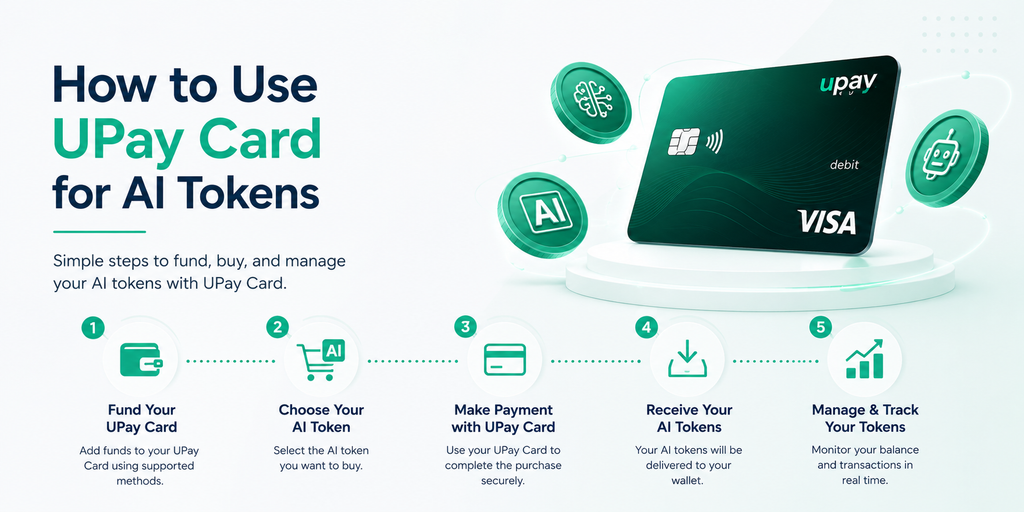
1. Create and Verify Your UPay Account
Start by creating your UPay account and completing the required identity verification. This is part of the application process before you can request and use your UPay Card.
2. Apply for and Fund Your UPay Card
After verification, apply for your UPay Card and fund your UPay wallet with supported digital assets. Before making any payment, ensure your UPay card is properly activated and loaded with a sufficient balance.
Depending on the provider, funding can be done through fiat currency, crypto conversion, or supported wallets. Always confirm your available balance before proceeding to avoid transaction failures.
3. Choose Your AI Platform and Token Plan
Next, select the AI tool you want to use. This could include chatbot platforms, AI writing assistants, image generation tools, or API-based services.
Most platforms will display either subscription plans or token-based pricing, depending on usage.
4. Enter UPay Card Details at Checkout
When you reach the payment page, select the card payment option. Input your UPay card details carefully, including the card number, expiration date, CVV, and billing information. Ensure the details match your UPay account to avoid declines.
5. Confirm Payment and Activate Tokens
After submitting your payment, wait for confirmation. In most cases, AI tokens or credits are activated instantly. Once activated, you can begin using the platform for generating content, running prompts, or accessing API features based on your plan.
6. Start Using AI Services Efficiently
After activation, monitor your token usage within the platform dashboard. This helps you understand consumption patterns and manage costs effectively, especially if you’re using multiple AI tools or running automated workflows.
Read also: Top DeFi Protocols by Category: Banking Without the Bank.
Platforms Where You Can Use UPay Card for AI Tokens
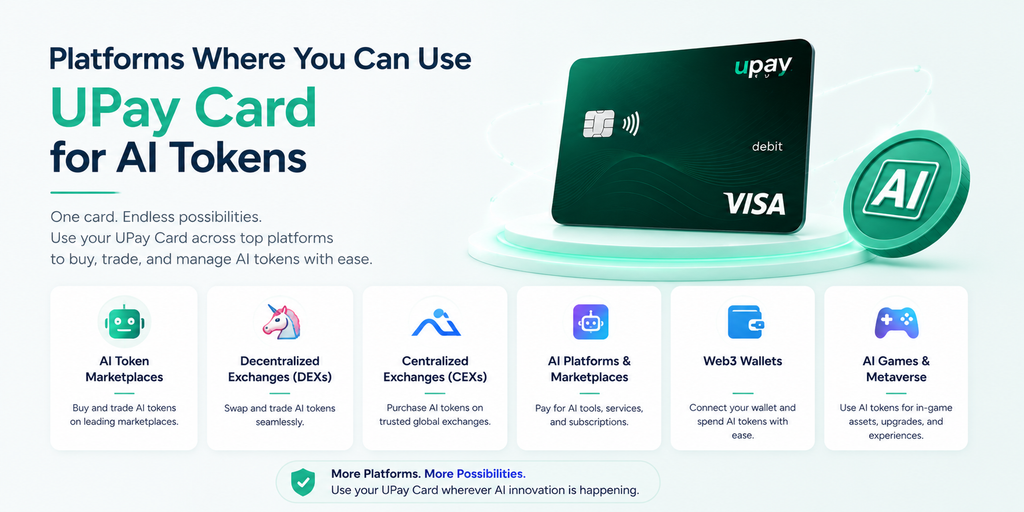
1. AI Writing and Productivity Tools
You can pay for AI writing and productivity tools that run on subscription or credit systems.
When you subscribe or buy credits, you simply enter your UPay card details at checkout and unlock access to features like content generation, editing, and automation.
2. AI APIs and Developer Platforms
If you build with AI tools, you’ll often need API credits. You can use your UPay card to fund these accounts, activate billing, and start consuming tokens for your applications.
This makes it easier for you to scale usage without banking limitations slowing you down.
3. AI Image and Creative Tools
You can also use your UPay card on AI image generators and creative platforms. Once you purchase credits or a subscription, you immediately gain access to image generation, design tools, and creative workflows powered by AI tokens.
4. SaaS AI Automation Platforms
Many automation tools charge monthly or usage-based fees. You can keep your workflows active by using your UPay card for recurring payments, so your AI-powered systems continue running without interruption.
Tips for Successful Payments When Using the UPay Card for AI Tokens
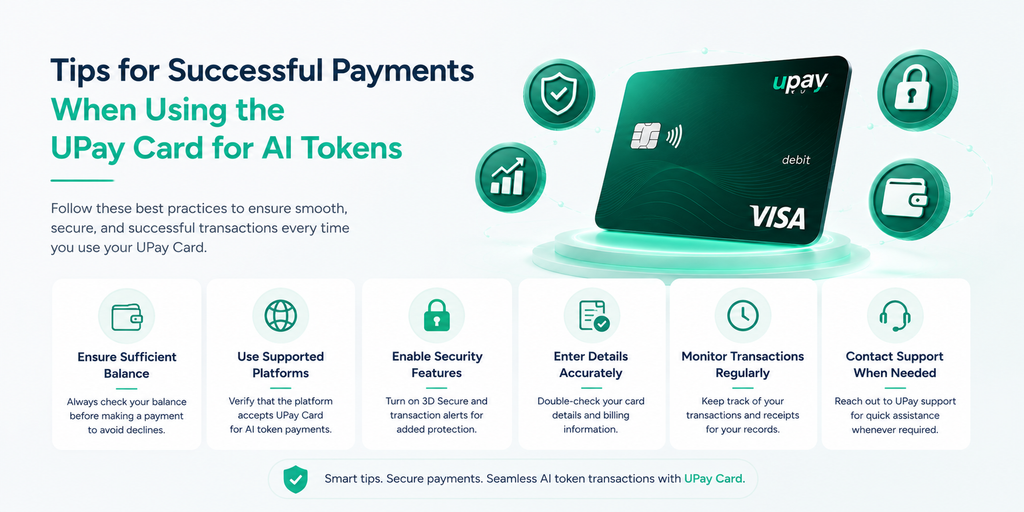
1. Always Confirm Your Balance Before You Start
Before you begin any checkout process, check your available balance. This helps you avoid interruptions during payment and ensures your transaction completes successfully on the first attempt.
2. Enable International Transactions
Make sure your UPay card is activated for global online payments. Most AI platforms process payments internationally, so disabling this feature can lead to automatic declines.
3. Match Your Billing Details Exactly
Always enter your card details exactly as they appear on your UPay account. Even small mismatches in name, address, or ZIP code can cause payment failures on some AI platforms.
4. Stay Ahead of Token Usage
Once your payment is successful, monitor your token usage regularly. This helps you understand how quickly you’re consuming credits and allows you to plan your next top-up before you run out during important tasks.
Read Also: Best Crypto Cards With Apple Pay and Google Pay Support
Conclusion
Using a UPay card for AI tools makes it much easier to access modern AI platforms that rely on subscriptions or token-based billing.
From purchasing AI credits to paying for API usage or premium AI tools, you can use your card to complete secure online transactions.
Now that you know how to use the UPay Card for AI tokens, you can create and verify your UPay account, fund your wallet, apply for your card, and use it to pay for supported AI services.
Before making a purchase, confirm that the AI platform accepts compatible international card payments and that your UPay wallet has enough available balance to complete the transaction.