


Most people already use Apple Wallet for their bank cards without thinking twice. The tap, pay, done experience is hard to beat.
What a lot of crypto holders do not realise is that the same is possible with their crypto balance. Once the card is in Wallet, the fact that the money started life as Bitcoin stops mattering to the till.
Getting it in there is where people get stuck. There is more than one route, they do not all work for every card, and a refusal is usually fixable.
Key Takeaways
- Most crypto cards go in from a button in the provider’s own app. Apple’s own routes read the plastic by tap, hold or scan, take details typed in, or offer a card your Apple Account already knows.
- Apple says full card numbers are not stored on the device or on Apple Pay servers. The issuer creates a Device Account Number, sends it to Apple encrypted, and it lives in the Secure Element.
- Apple says the card issuer, not Apple, decides whether your card may be added, which is why a refusal is almost never your iPhone’s fault.
- iPhone, Watch and iPad are each set up separately, the Watch from its paired iPhone; a Mac either adds the card in System Settings or pays through your iPhone.
- Which route your card supports is the first thing to establish, because a card that takes only one of them looks broken when you try another.
- UPay publishes Apple Pay and Google Pay support for its virtual cards, and its Platinum card is closed to applications from several nationalities, including Indian and US nationals.
Also Read: Anonymous Crypto Cards
Understanding Cryptocurrency Cards
Cryptocurrency cards work much like regular debit cards, except that you are spending digital currencies such as Bitcoin or Ethereum rather than money from a bank.
The card links to an account holding your crypto. Some providers issue plastic, some a virtual card, and many do both so you can spend online while the plastic is in the post.
Loading works rather like a gift card: you move crypto onto the balance and the provider converts it. That step is where the provider’s fees and exchange rate apply, and it is the moment your crypto becomes spendable money.
Features and Functionalities of Apple Wallet
Apple Wallet comes pre-installed on iPhone and Apple Watch, holding cards, tickets and passes in one place and using NFC to pay.
It supports credit, debit and prepaid cards from participating banks and issuers, and also holds boarding passes, tickets, loyalty cards and car keys. Those are passes, which use a different mechanism, which is why some things marketed as cards never appear in Wallet.
Can You Add a Crypto Card to Apple Wallet?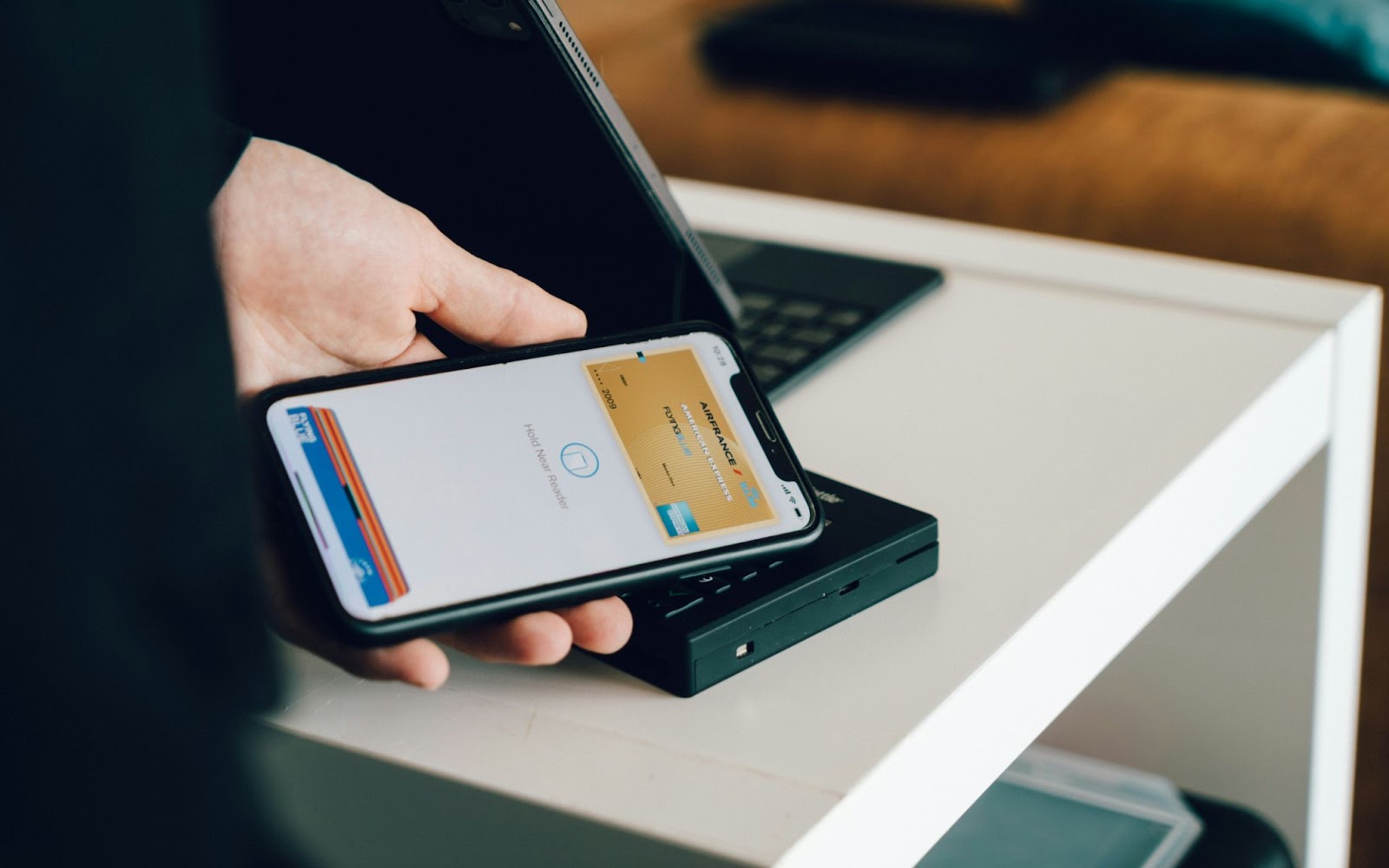
Yes. Apple Wallet takes credit, debit and prepaid cards, and most crypto cards are one of those underneath. The practical test is whether the issuer behind it participates in Apple Pay in your country. If it does, Wallet treats it like any other card.
The Routes In
Which route your provider supports explains almost every problem people hit. The Wallet app offers three: read the plastic by tapping, holding or scanning it, type the details in, or pick a card your Apple Account already knows. Most crypto providers bypass all three with a button in their own app.
| Route | Where you start | What you type | Typical verification | Works for virtual cards |
|---|---|---|---|---|
| Provider app button | The card provider’s own app | Nothing | Usually none, you are already signed in | Yes, and often the only option |
| Manual entry | The Wallet app | Name, card number, expiry, security code | One-time code by email, SMS or in-app | Only if the full number is shown to you |
| Tap, hold or scan the card | The Wallet app | Nothing, the card is read | One-time code by email, SMS or in-app | No, it needs the physical card |
| Cards Found For You | The Wallet app | Nothing, until verification | Security code, sometimes issuer approval | Only a card you have added before |
The provider-app route is the smoothest: open the app, find the card screen, and tap a button that adds it to Wallet. Nothing is typed, because the provider has already verified who you are.
It is also the only route for many virtual cards, which have no plastic and may never show a full number.
Read Also: The Ultimate Guide to Anonymous Crypto Wallets in 2025
Steps to Add a Crypto Card to Apple Wallet
First confirm your card is supported: check the provider’s help pages for an Apple Pay reference, and check your country is one where Apple Pay operates.
On iPhone, Apple’s own instructions are to tap Add Card and choose either “Cards Found For You” or “Debit or Credit Card”, then “Tap or hold your card close to your iPhone to add it” or “Enter Card Details Manually”.
UPay’s Help Center walkthrough for binding its card follows the manual route: add the card, enter the name, number, expiry and security code, accept the issuer’s terms, then request and enter a verification code sent by email.
That article is titled for a “Privilege Card”, a name UPay’s current fee tables do not use, and its first step says “Previous Cards” where Apple now says “Cards Found For You”. Treat the steps as current and the labels as not.
Apple Watch is set up from the paired iPhone: open the Apple Watch app, go to Wallet and Apple Pay, then Add Card. iPad uses the same section in Settings, a Mac with Touch ID uses System Settings.
A Mac without Touch ID does not hold the card at all. Turn on Allow Payments on Mac in Wallet and Apple Pay on your iPhone, then confirm each purchase there or on your Apple Watch.
Run one small contactless purchase before you rely on the card, to confirm it provisioned and the balance logic works.
What Apple Stores, and Who Approves the Card
None of these routes puts your card number on your phone. Apple’s card provisioning security overview says “a unique Device Account Number is created by the card issuer, sent encrypted to Apple, and then stored in the Secure Element”.
It adds that the number “is encrypted in such a way that Apple can’t access it”, and that “Full card numbers aren’t stored on the device or on Apple Pay servers.”
Apple sends the card information “along with other information about user’s account and device” to the issuer, and then “the card issuer (or its service provider) determines whether to approve the user’s request to add the card to Apple Wallet”.
So if a card will not add, your iPhone is almost never the problem. The issuer declined, and the issuer is who you contact.
Read Also: Smart Card Technology for Secure Crypto Transactions
Popular Cryptocurrency Cards Compatible with Apple Wallet
UPay’s cards bridge crypto holdings and everyday purchases. Issuing a virtual card costs 10 USDT and a physical Premier or Platinum card 100 USDT, loading from the wallet costs 2 percent on those two tiers, and nothing carries an annual charge. UPay’s current cards run on Visa, issued through partner institutions.
UPay publishes Apple Pay and Google Pay support for its virtual cards, and the Help Center announcements for both name its Platinum virtual card. Which card and which market are UPay’s to state, so check the Help Center rather than a marketing page.
Eligibility turns on the applicant’s nationality rather than residence, and Platinum is closed to applications from several nationalities, including Indian, Pakistani, Indonesian, Saudi, Vietnamese, Chinese, Israeli and US nationals. Premier remains open to them.
The full list is longer and lives in UPay’s Help Center, which revises it, so check the current version before applying.
Other cards people ask about include the Coinbase Card, the Crypto.com Visa Card, Wirex, the BitPay card, the regionally limited Binance Card and the Gemini card. Whether each can be added where you live is the issuer’s answer, on its own support pages.
Most people who conclude their card does not work have not tried the route it uses.
Read Also: A Guide to Virtual Card Issuance for New Cryptocurrency Users
When the Card Will Not Add, or Will Not Pay
Adding a card fails in a few recognisable ways.
- The issuer declined the request. The commonest cause and the least visible, because the on-screen message rarely says so. Apple notes that some banks “might ask you to provide more information or to download an app”.
- Your verification is incomplete. Many providers issue a card before identity checks finish but will not let it provision until they do, for the reasons our piece on how KYC safeguards crypto transactions sets out.
- The card is not offered where you live. Apple’s list of countries and regions that support Apple Pay says you can add cards “from participating banks and card issuers in these countries and regions”. Both halves have to be true.
- It is not a payment card. Loyalty cards, gift cards and membership passes use Wallet’s pass mechanism, so if there is no Add to Apple Wallet button anywhere, Add Card will never create one.
- It added, but payments decline. Check the balance, since these cards spend from a loaded amount rather than an overdraft, then check the provider’s limits and blocked categories.
- It works on the phone but not the watch. Each device is provisioned separately, so add the card to the Watch through the Apple Watch app on your iPhone.
- You lost the phone. Neither your funds nor your card number are on it. Lock or erase it with Find My, freeze the card in the provider’s app, and re-add it later.
Read Also: Can You Use Crypto Credit Cards Anywhere?
Benefits of Using a Crypto Card Through Apple Wallet
- Contactless payments. The card behaves exactly like a bank card at the till.
- Speed at checkout. A double-click of the side button, Face ID, and you are done.
- Tokenised security. The merchant receives a Device Account Number, not your card number, which removes the value of skimming it.
- One less card to carry. A virtual card never exists in plastic at all.
- Apple Watch support. Paying from the wrist works with the phone in a bag.
Risks of Adding Crypto Cards to Apple Wallet
The weak point is rarely Apple Pay. It is the app behind the card, where a breach or account takeover exposes your balance, so treat that login as the one that matters.
Cryptocurrency rules also keep moving, and card programmes get withdrawn from markets when they do.
Then there is the asset. In several countries spending crypto is a disposal for capital gains, so a card that converts at the till can generate dozens of small taxable events a month.
Alternatives to Adding Crypto Cards to Apple Wallet
- Dedicated crypto wallet apps. They track a portfolio and keep custody clearer, though they do not spend at a till.
- Hardware wallets. Devices that keep keys offline, which suits long-term holdings rather than daily spending.
- Cash withdrawal. Where a card supports it, an ATM turns a balance into notes. On UPay’s physical Premier and Platinum cards that costs 1 percent, with daily ceilings of 3,750 and 3,000 US dollars, as our guide to using a crypto card at an ATM explains.
- Exchange apps. They reach many assets, and most let you withdraw to a card or bank account.
Tips for Using Crypto Cards with Apple Wallet

- Choose reputable apps. A card is only as safe as the company holding the balance.
- Monitor activity. Switch on notifications and report anything unfamiliar.
- Limit exposure. Keep only spending money on the card; store the rest offline.
- Keep your recovery phrase offline. Never type it into an app, a browser or a support chat. A card can be reissued; a seed phrase cannot.
Final Thoughts
Once compatibility is confirmed, this takes minutes. The mental shift is small: stop thinking of it as adding a crypto card, and start thinking of it as asking your issuer to issue a token to your device.
That is why the provider’s app is the right starting point, and the right place to complain.
FAQs
Which crypto cards are compatible with Apple Wallet?
Any card whose issuer participates in Apple Pay in your country, which covers most widely used crypto cards. Availability varies market by market, so check the provider’s own country list.
Can I manually add a card to Apple Wallet?
Yes, if the issuer supports it and you can see the full number: tap Add Card, choose Debit or Credit Card, then Enter Card Details Manually. Many virtual cards never show a full number and use the provider’s app button instead.
What are the best practices for adding a crypto spending card to a digital wallet?
Use a unique password, turn on two-factor authentication, and set up Face ID. Keep iOS and the provider’s app updated, switch on notifications, and find the card freeze button before you need it.
Can I add more than one crypto card to Apple Wallet?
Yes. Hold several at once, set one as your default, and switch at checkout by tapping the card stack before you authenticate.
What happens to my crypto card in Apple Wallet if I lose my iPhone?
Your funds are not on the phone and neither is your card number: Apple says full card numbers are not stored on the device or on Apple Pay servers. Lock or erase it with Find My, then freeze the card in the provider’s app.
Does adding a crypto card to Apple Wallet change my spending limits?
No. Apple Wallet does not set them: the limits that apply are your provider’s, and its app is where they are published.
Want the card in your Wallet? UPay publishes Apple Pay and Google Pay support for its virtual cards, at 10 USDT to issue and no annual fee. Its eligibility rules turn on nationality, so check the current list in its Help Center first.